Quick Recap
In the previous post on AVDF implementation, we were moving towards building to the next milestone. Target Database Parameter Changes, Deploying Audit Vault Agent, Deploying Host Monitor Agent in Target.
In this post, we’ll be going over the Audit Vault Target and Transaction Log Configuration and Verifications.
GoldenGate Implementation & Configuration
In AVDF implementation, Oracle GoldenGate plays a crucial role in getting the transactional data to capture and provide the Before and After values of a transaction/change.
I have created separate posts for Oracle GoldenGate Installation and Configuration. Check out the details below.
Identify the Tables and its Columns to be Audited
This step is important in the implementation of AVDF, as the Target systems specific tables and its columns details will be added to AVDF server for auditing.
Note: Adding/Removing tables from the extract can be done at any point based on the business or audit requirements.
Audit Vault Target Configuration
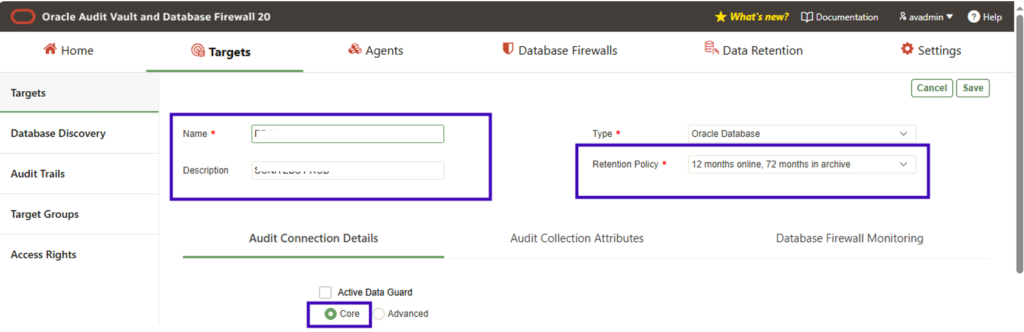
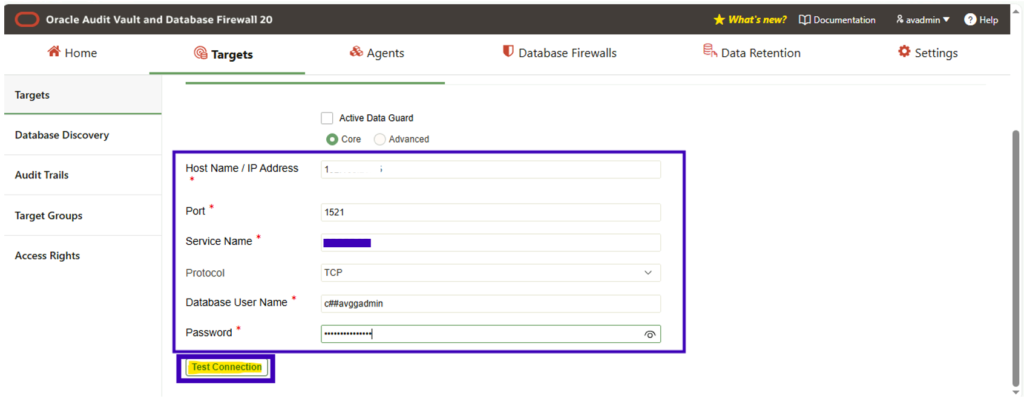
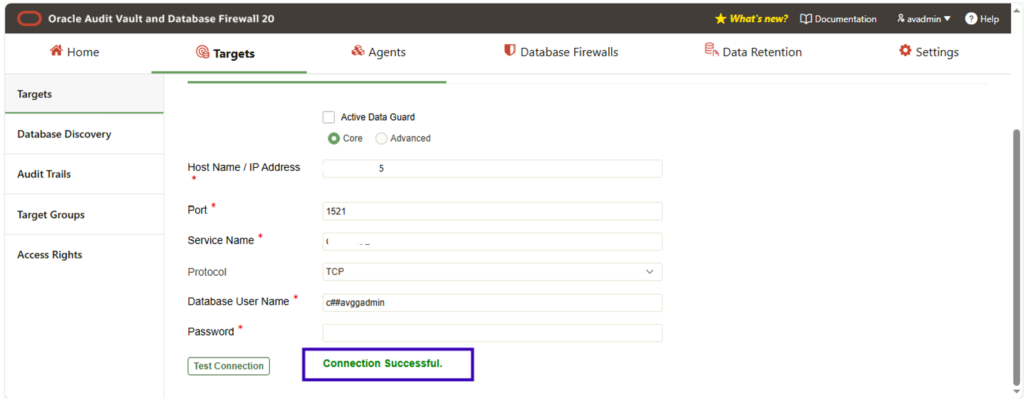
We are considering the target as the Oracle EBS DB for this scenario, we’ll be adding target step by step.
Prepare & Configure Targets
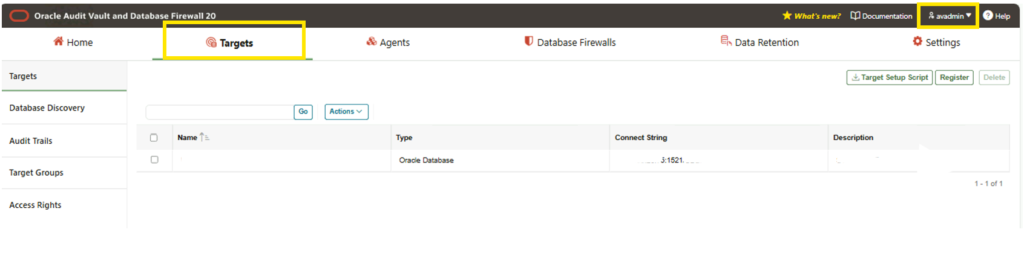
Login in as AVADMIN user
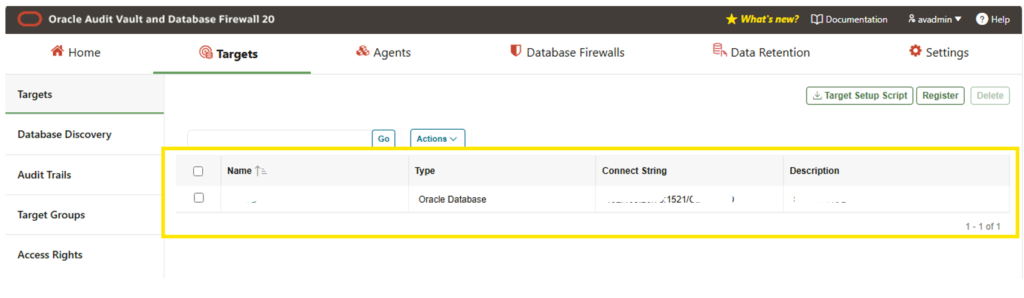
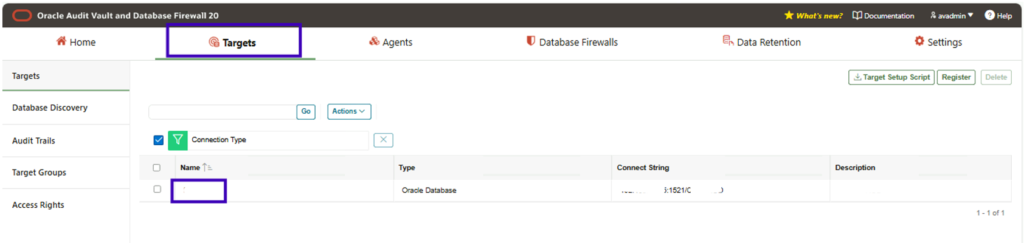
Navigate to Targets -> Click on, Register
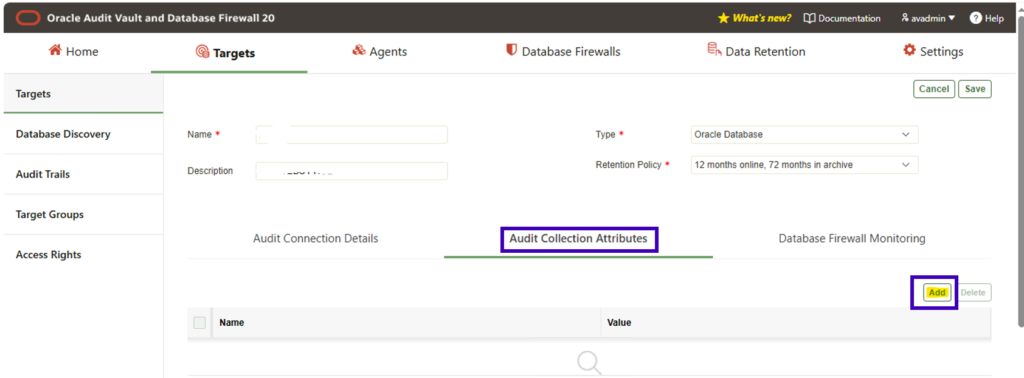
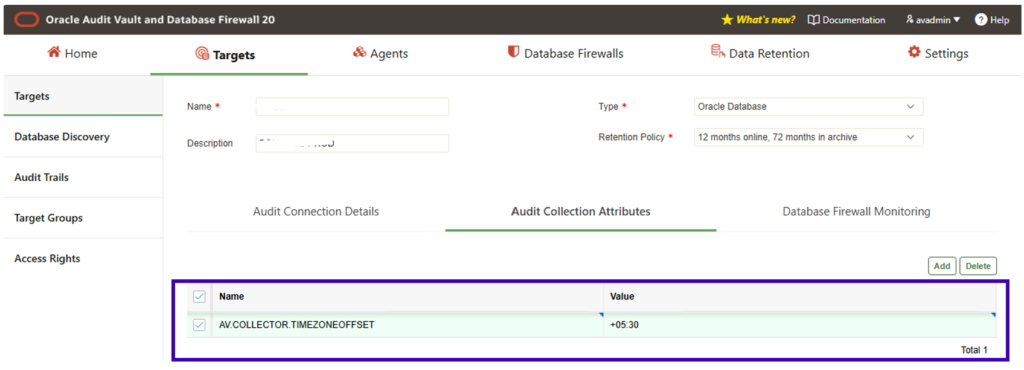
In Audit Collection Attributes, click on Add and enter the below details
Name: AV.COLLECTOR.TIMEZONEOFFSET
Value: +05:30 (Set as per your location)
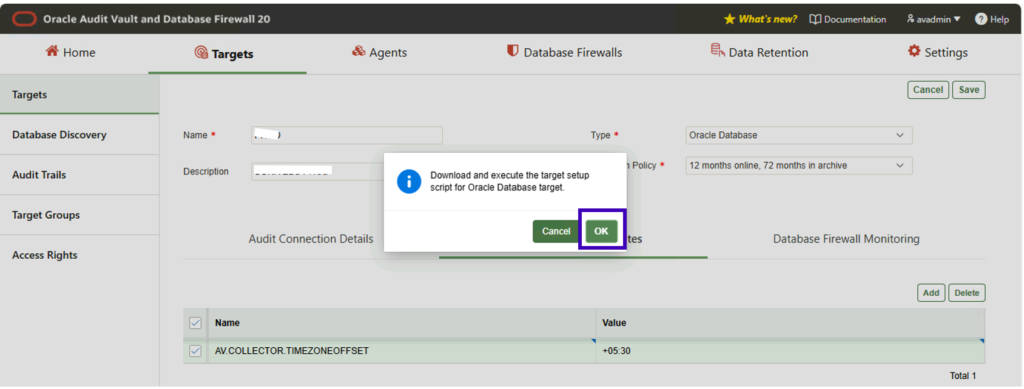
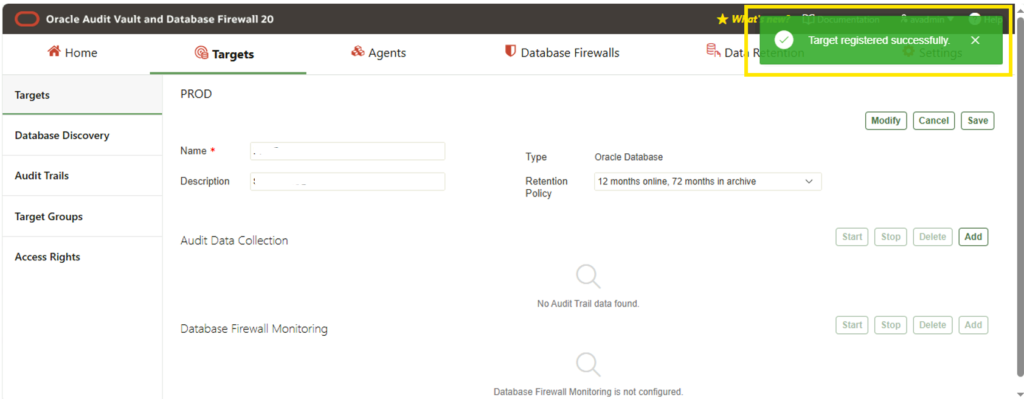
Once added, click Save and below message appears.
Click OK and proceed.
Configure Audit Trail Creation in Audit Vault Console
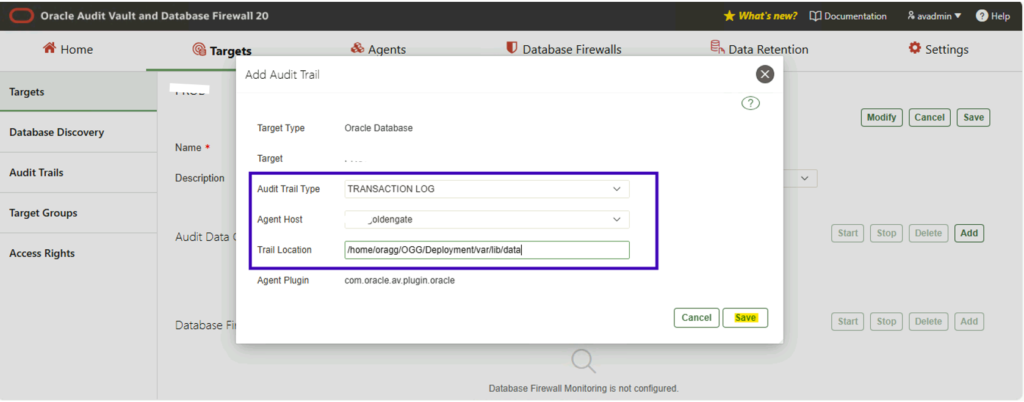
Now we’ll add the audit trail collection details as steps below.
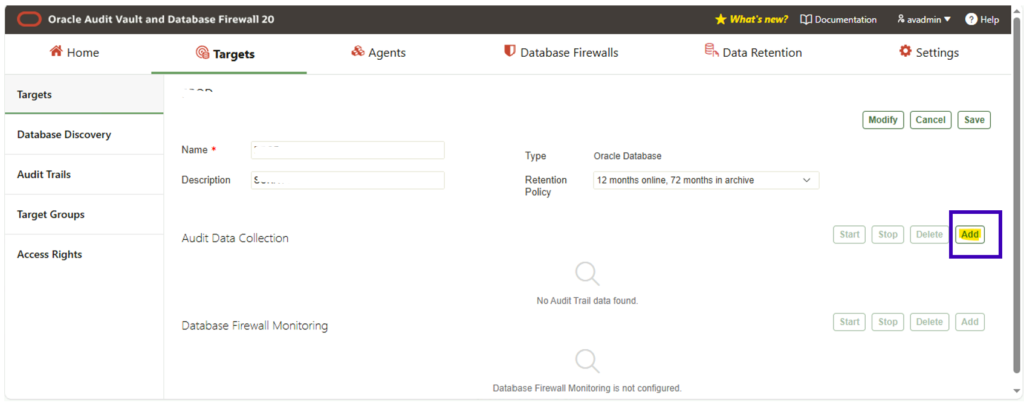
Navigate to Targets -> Choose the newly created Target
Click on, Add in Audit Data Collection
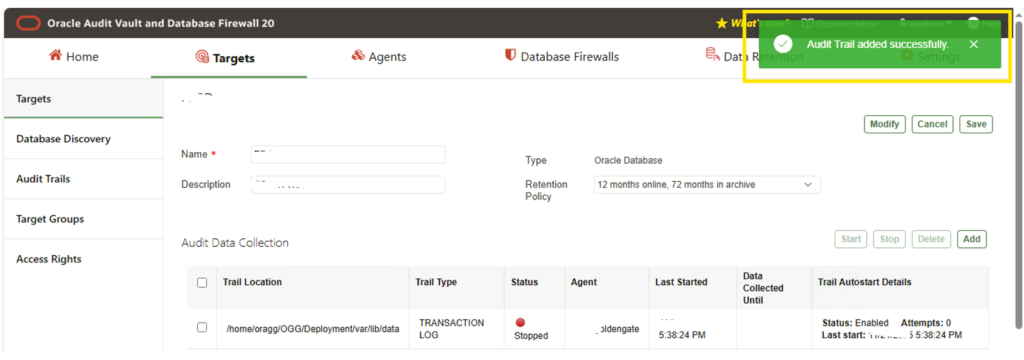
Once the trail has been added you could notice the status as stopped, we’ll start it in the next step.
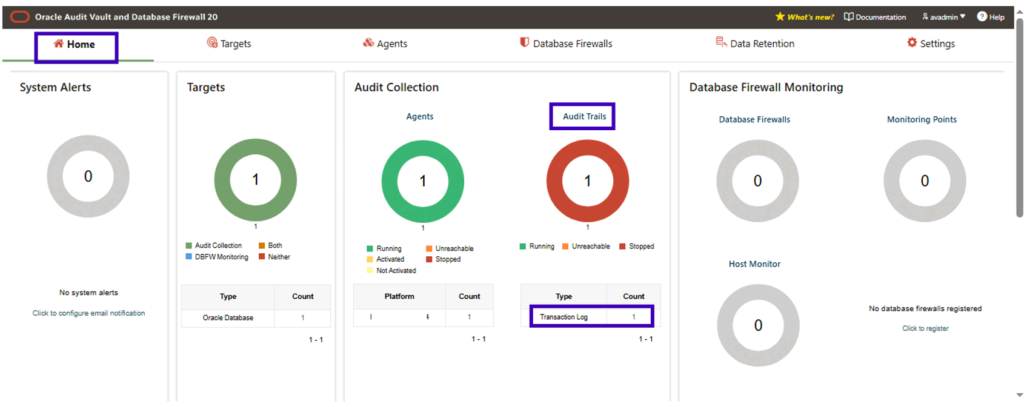
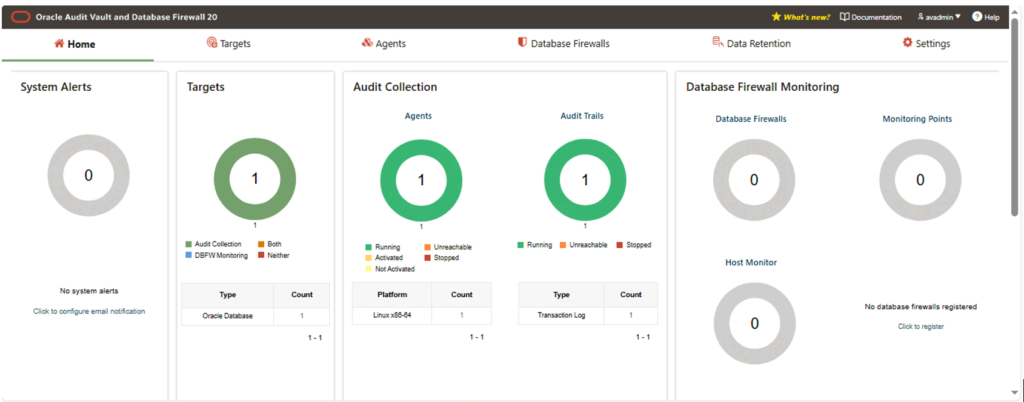
Review the Configuration details from the Dashboard.
Navigate to Home.
Start the Audit Trail
Navigate to Targets -> Select the target
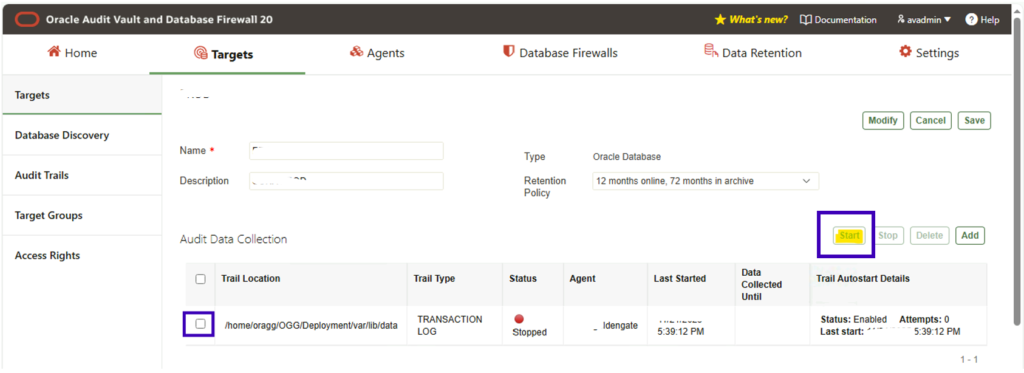
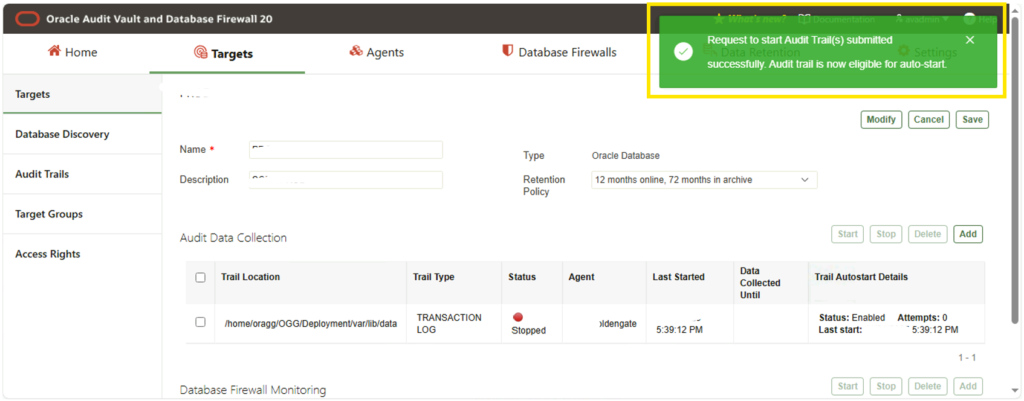
Select the Trail location and click on Start
Verification of Transaction Log Audit Trails Retrieval
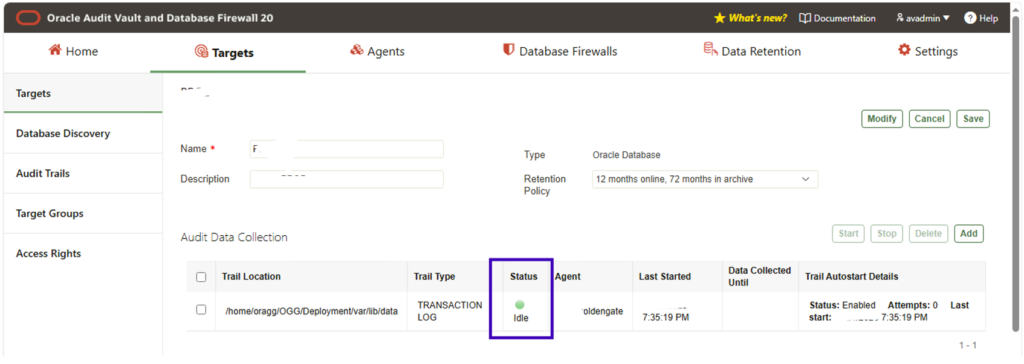
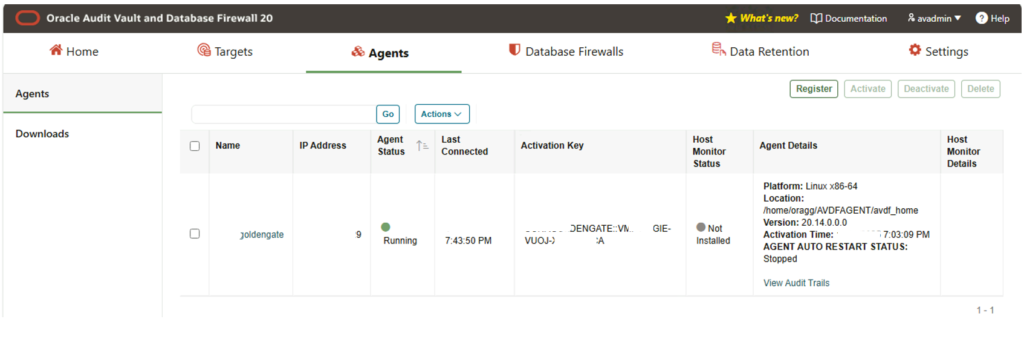
AVADMIN-Agent, Target and Trail Status
Login in as AVADMIN and review the details from Home Dashboard.
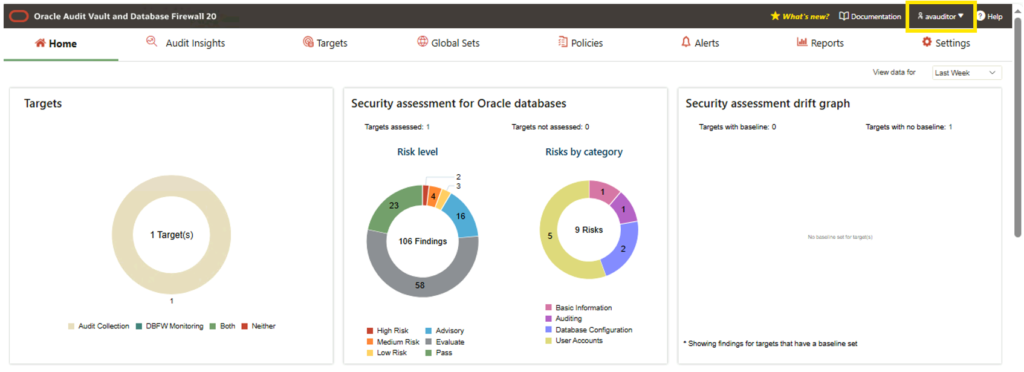
AVAUDITOR-Target and Audit Report
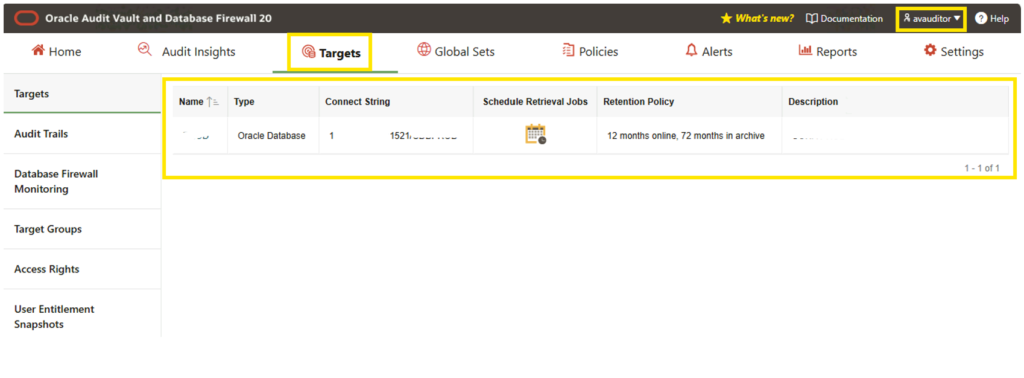
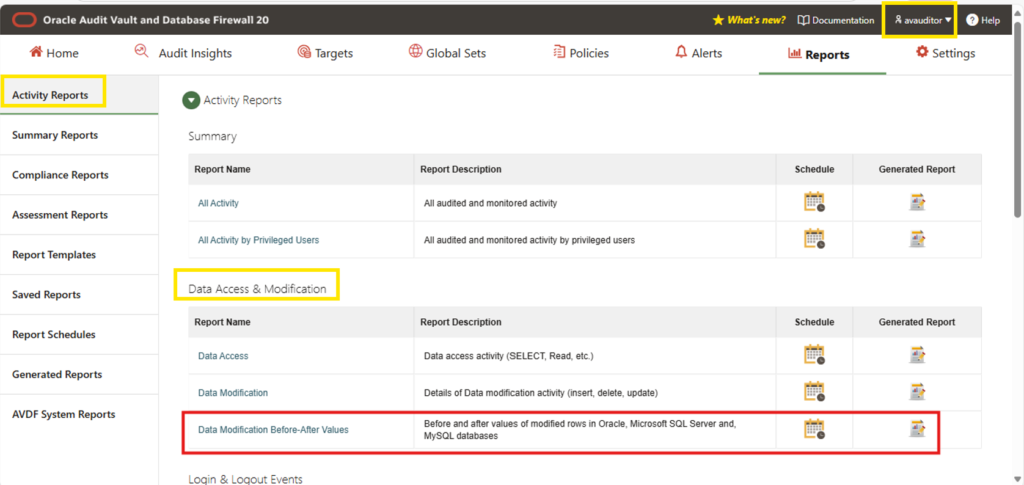
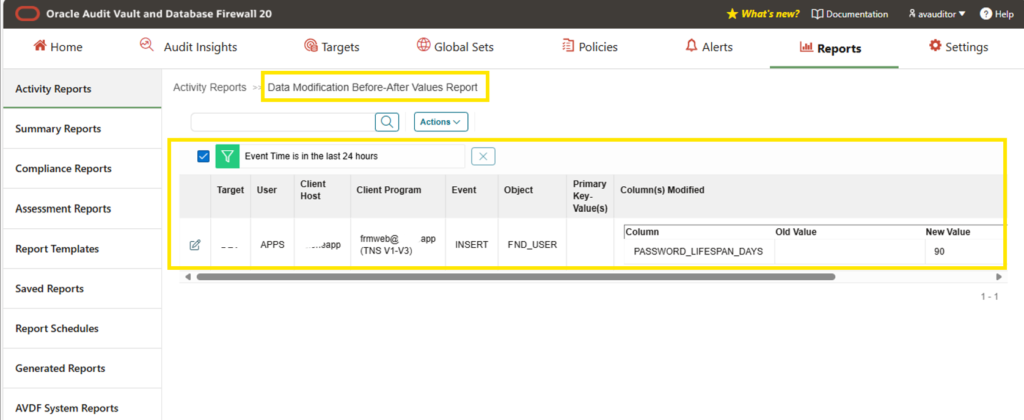
Login in as AVAUDITOR user review the details in Home Dashboard and Verify the Audit Report (Modifications Before and After)
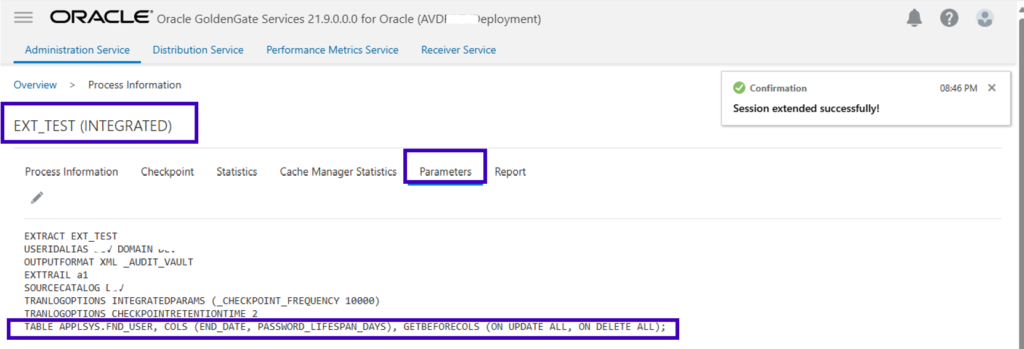
For testing a scenario, new GoldenGate extract EXT_TEST has been added and the parameter file contains the information of the table and column details from the Target Database.
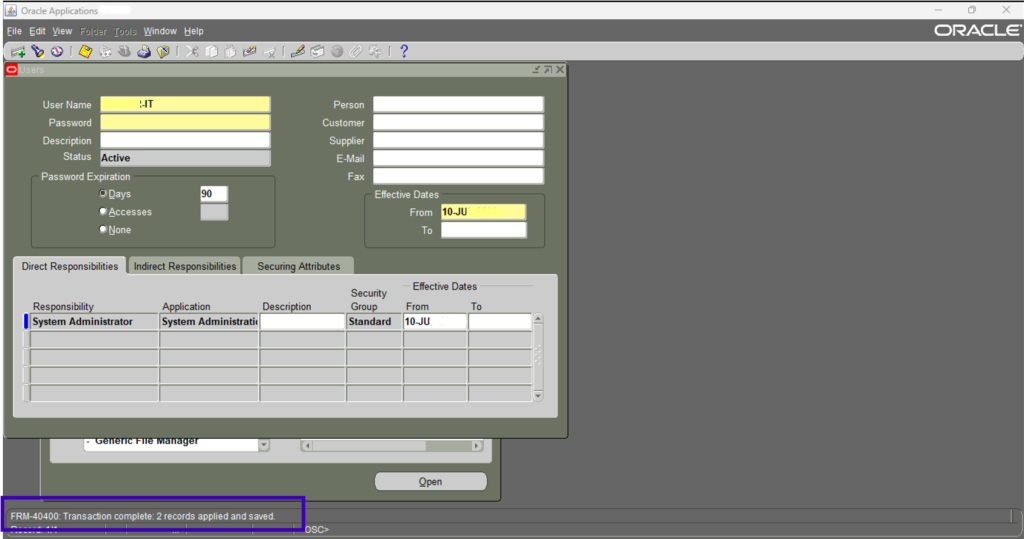
Now perform the changes in the Oracle EBS in User form to verify the AVDF report has captured the details.
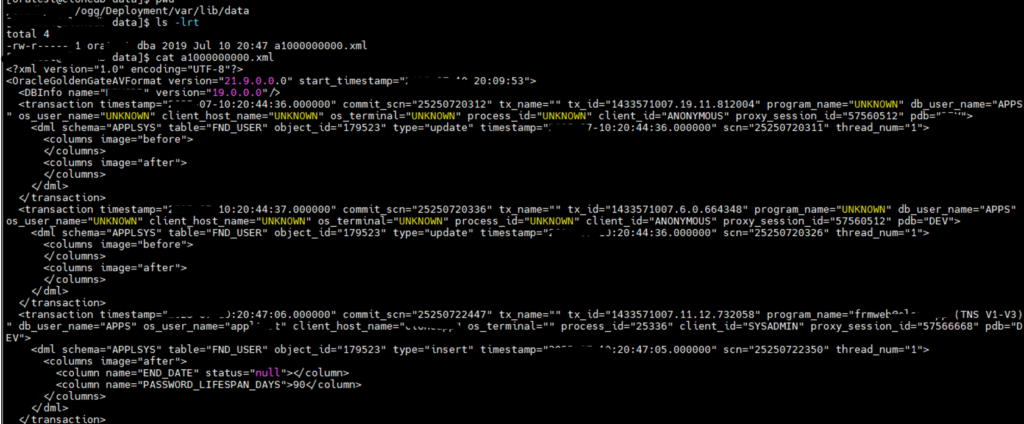
Below screen show the details captured as xml in the GoldenGater Server.
Review the report.
Navigate: As AVAUDITOR user, Reports -> In Data Access & Modification section -> Data Modification Before-After Values
To Be Continued . . .
In next post, we’ll be performing the hands-on DF Target Configuration and User-defined Database Firewall Policies, AVDF Agent Start Stop Automations, etc.,